Migration guide
Move from paper to OnboardOps
Turn binders, sign-in sheets and clipboards into one searchable record, without retyping everything.
1.Decide what to bring over
You do not need to digitize everything. Start with the contact sheet and anything you must keep for legal reasons. Keep paper originals where the law requires them.
For everything else, begin fresh from a start date and keep the old binders in storage.
2.Type one contact sheet
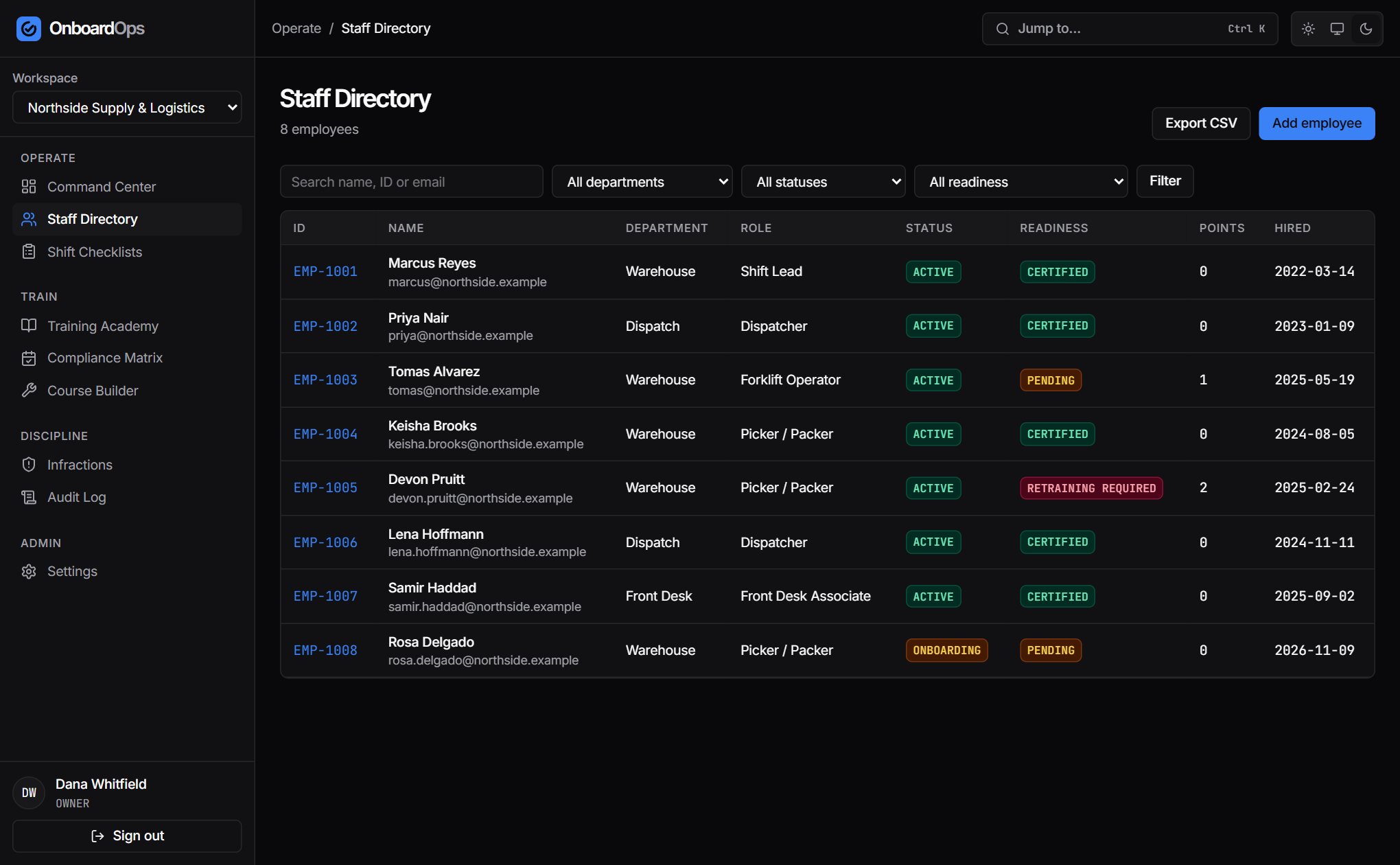
Make a simple spreadsheet with Full name, Email, Phone, Department, Job role, Hire date and Emergency contact. Save it as CSV and import it. It is faster than adding people one by one.
People without an email address can still have a record. Add their email later when they have one.
/app/directory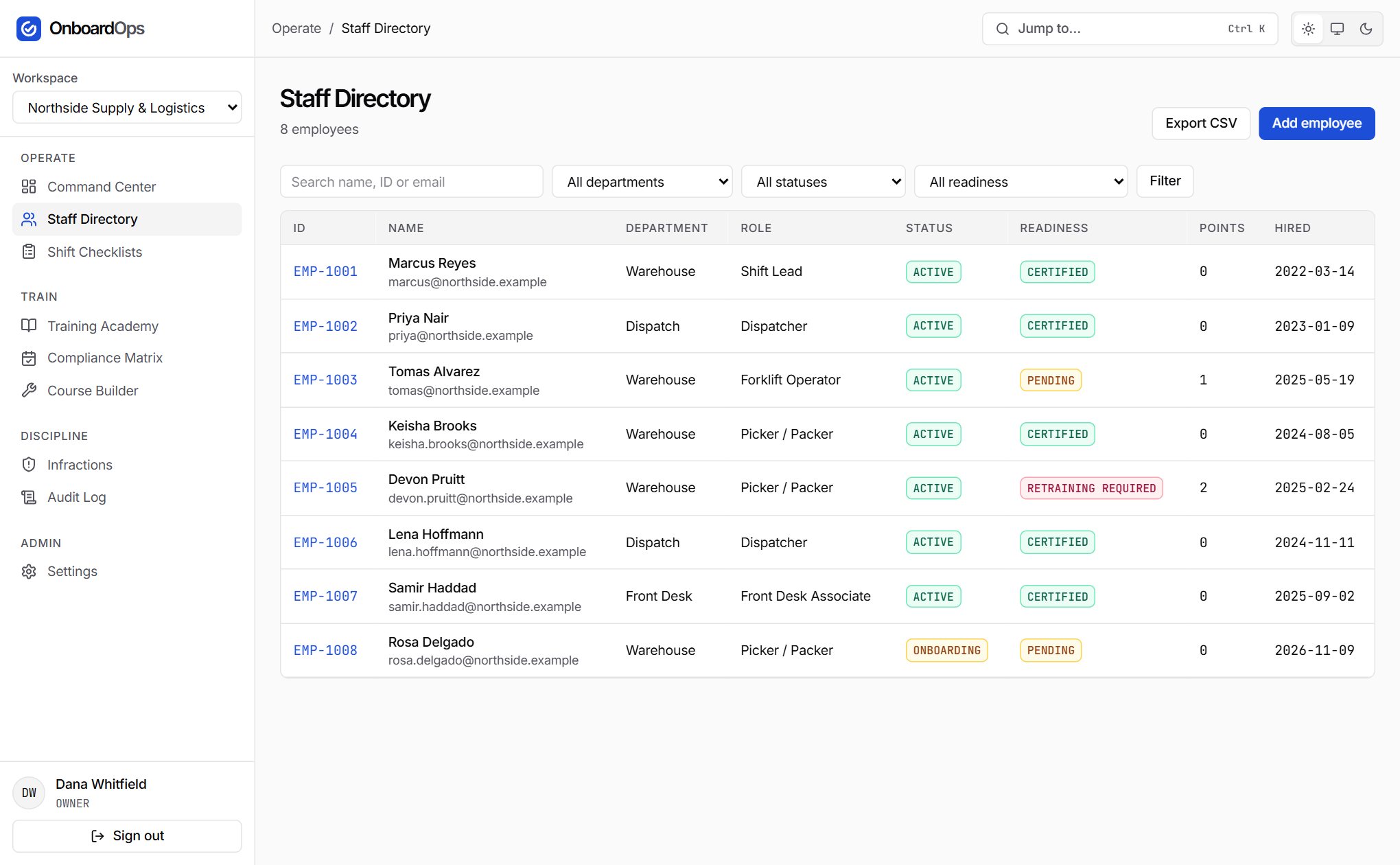
3.Photograph or scan important documents
Upload licenses, signed forms and certificates to each person's documents. Mark anything sensitive as restricted so only owners and admins can see it. Do not upload items the Acceptable Use Policy forbids, such as Social Security cards or medical records.
4.Replace sign-in sheets and clipboards
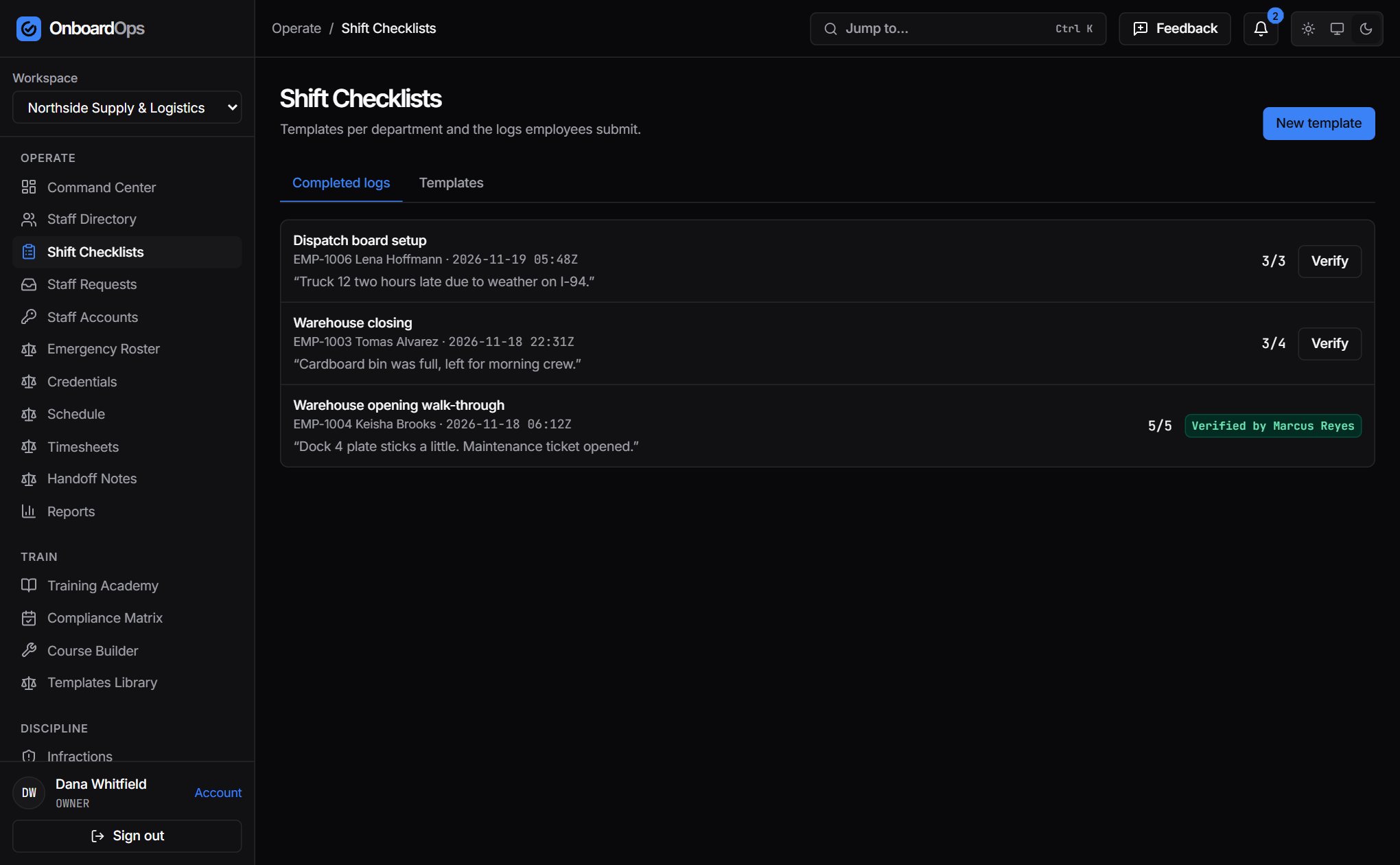
Create your checklists as templates. Employees tick items on their phone or a shared tablet, and supervisors verify them. A checklist finished without a connection is kept on the device and sent when it is back online.
/app/checklists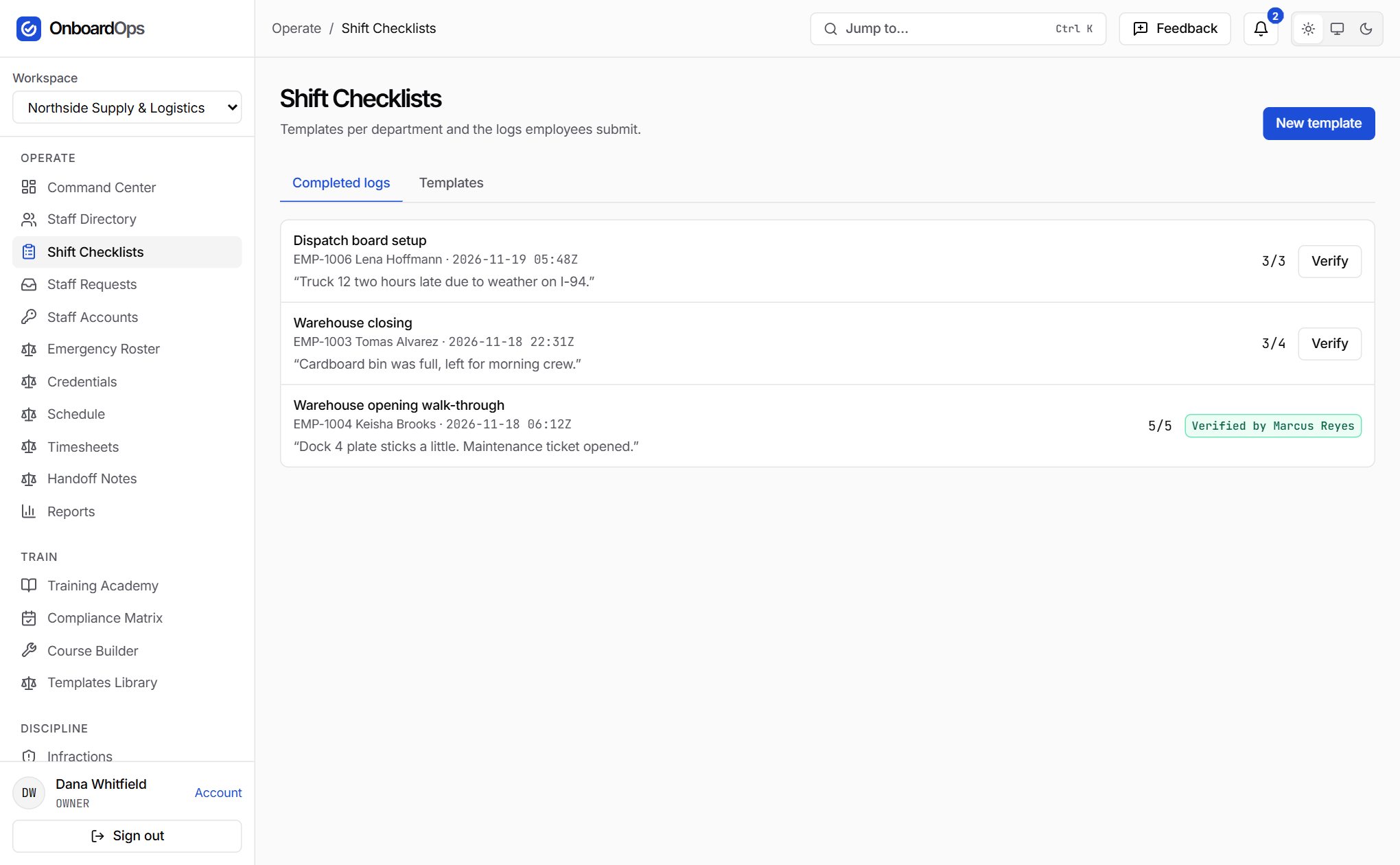
5.Move policies and training
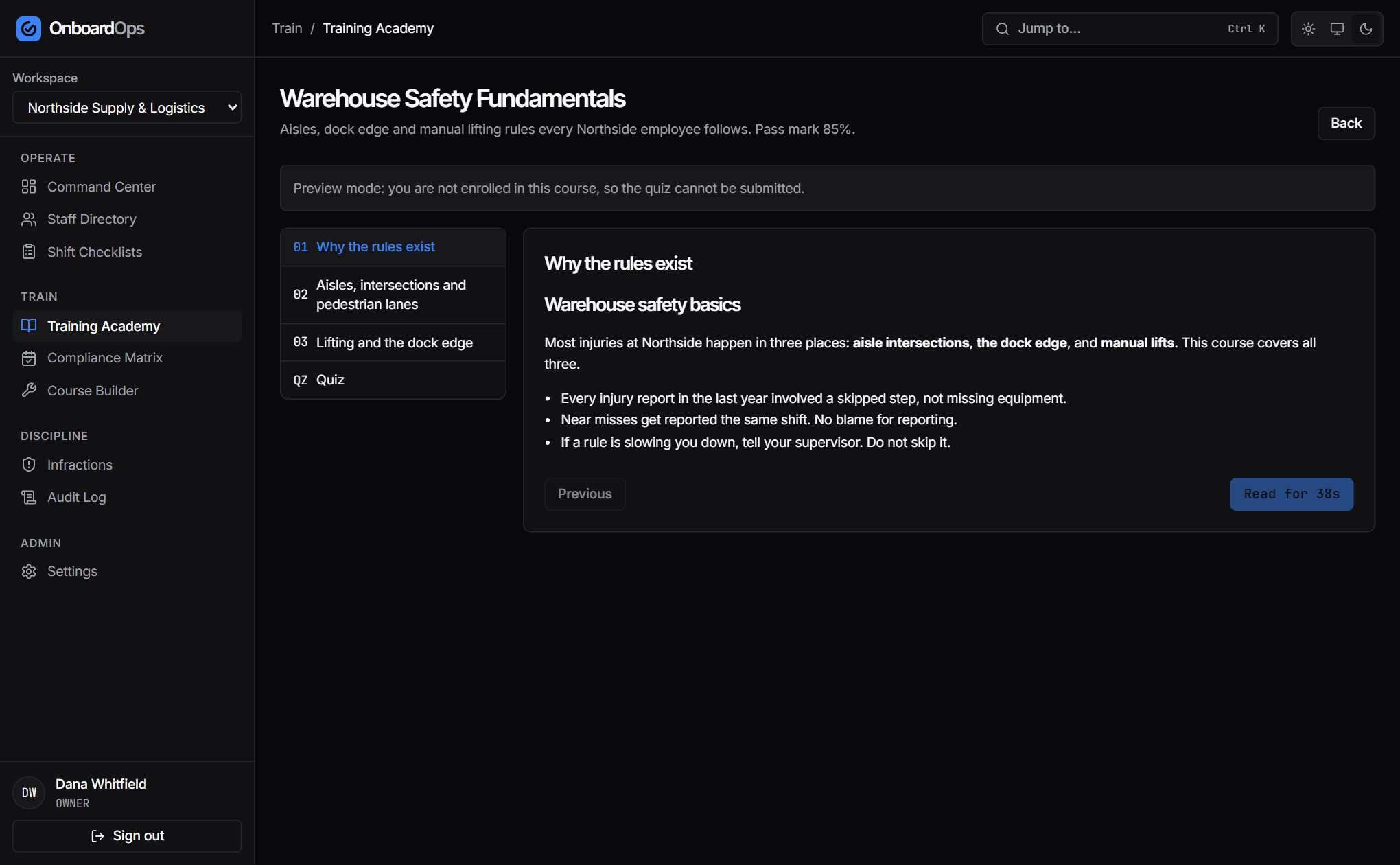
Upload your handbook and each policy as a PDF or text. Employees type their name to sign, and you can see who has not. Build short courses with quizzes for safety and procedures, or start from the built-in templates.
/app/training/course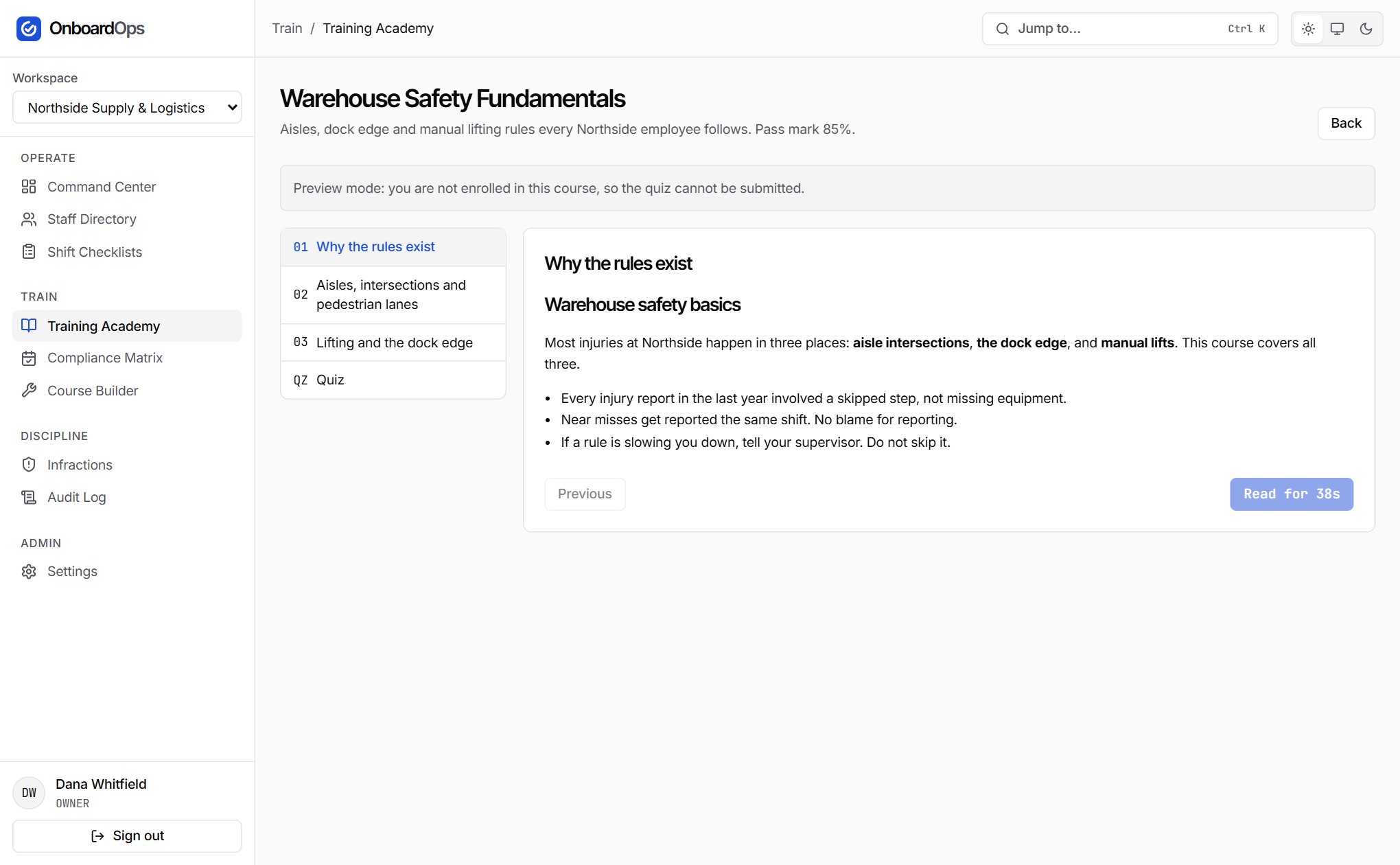
6.Handle write-ups carefully
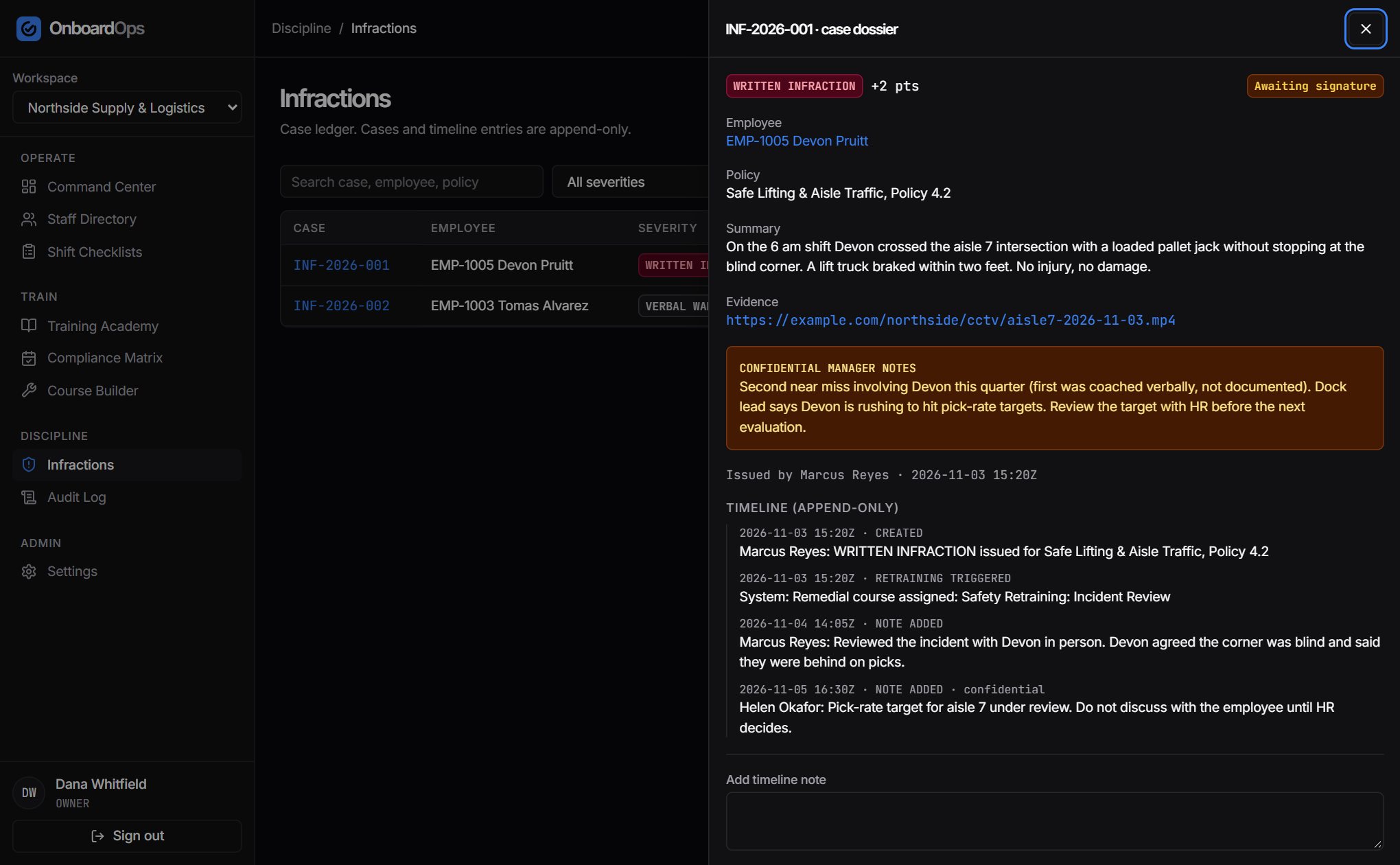
Old paper write-ups can stay in their files. From your start date, record new cases in the infraction ledger, where each employee can sign for receipt, add a response and appeal.
If you must attach an old document to a person's record, add it as a restricted document.
/app/infractions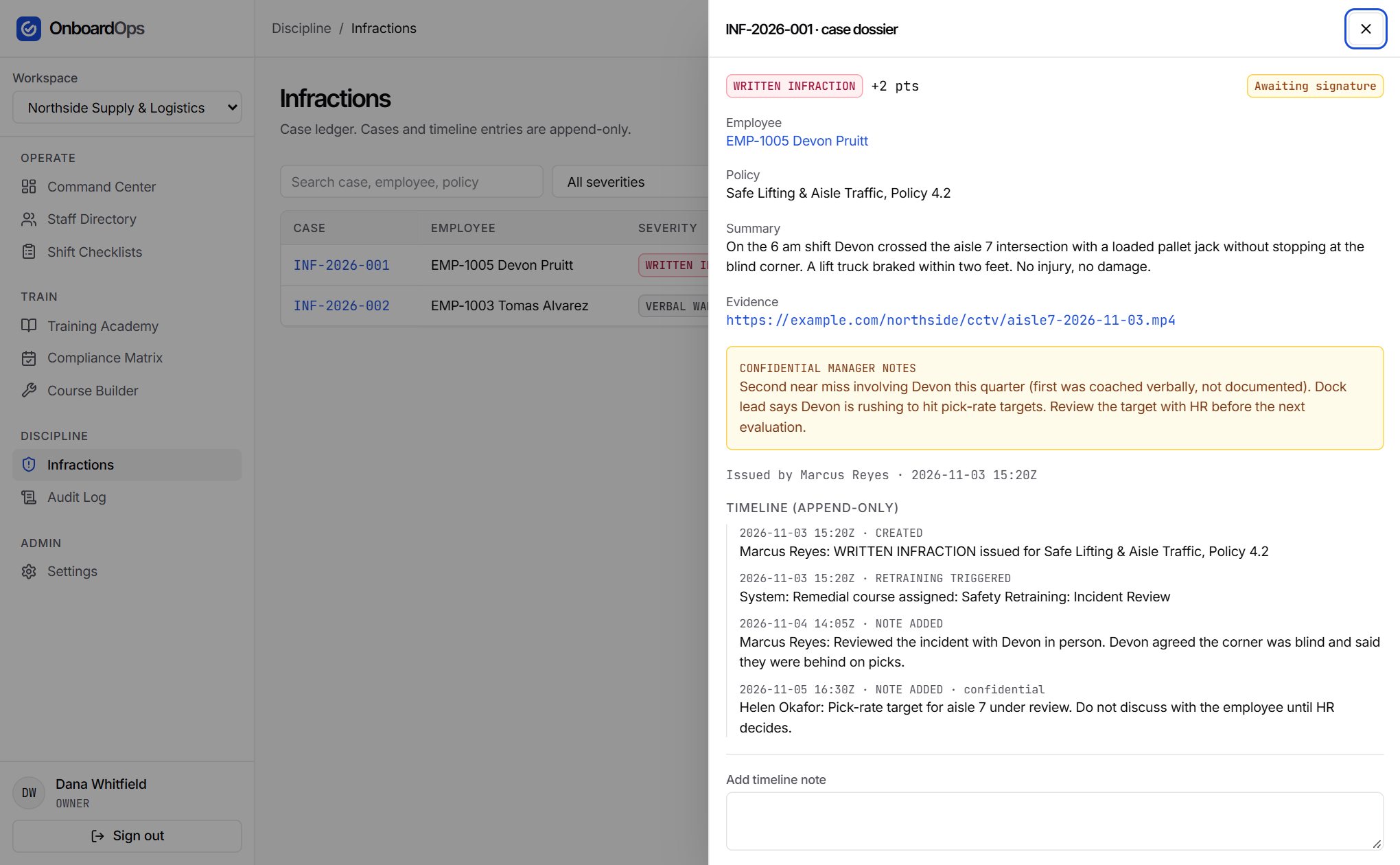
7.Run both for two weeks, then switch
Use the paper process and OnboardOps side by side for a short time. When people are comfortable, retire the clipboards and keep the binders only for what the law requires.
Try it with your own team
Free during the beta. Set up a workspace in a few minutes.